
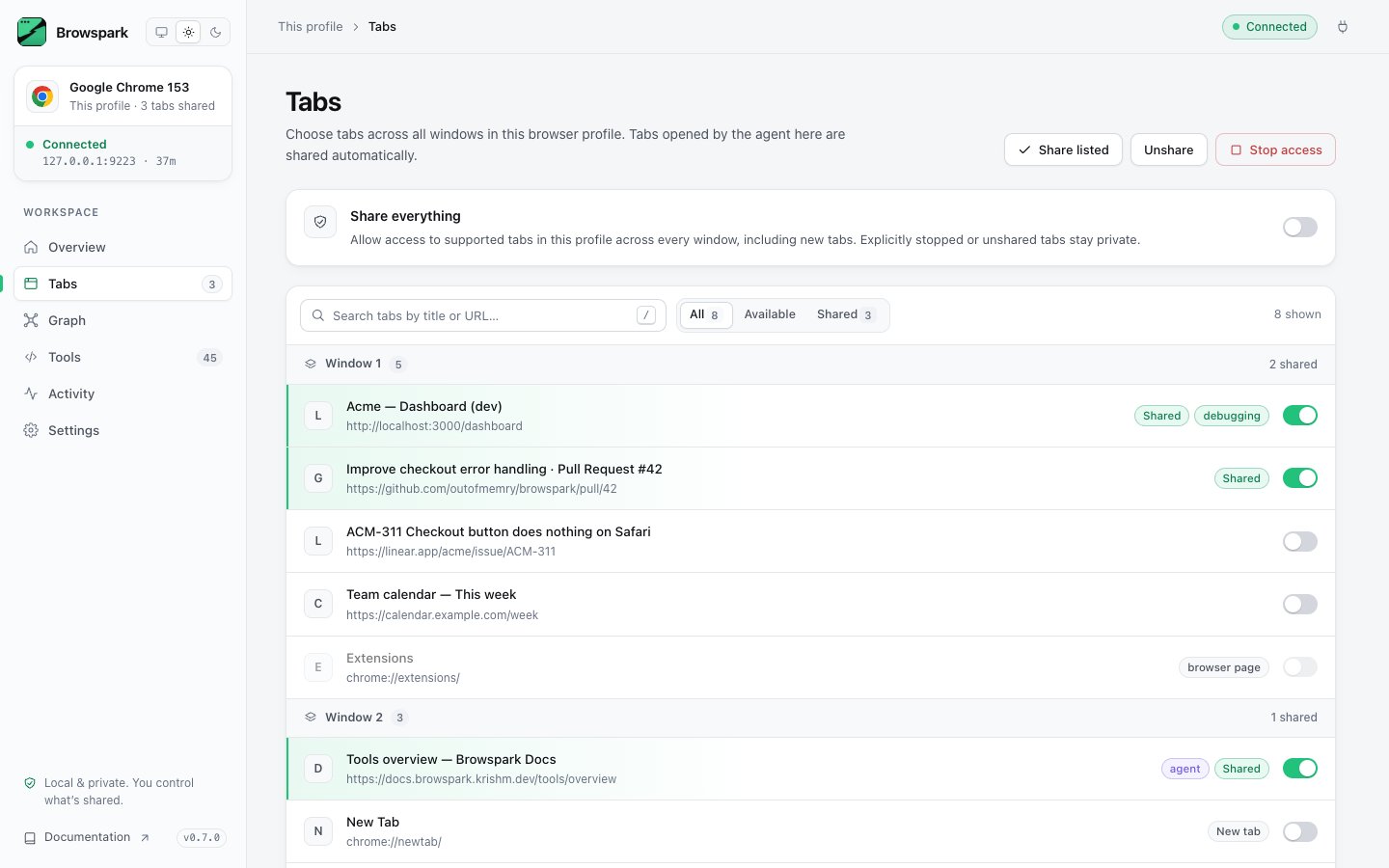
Sharing
- Share / Stop per row. Stop detaches immediately.
- Share everything shares current and future tabs except those you explicitly stopped or unshared. Per-tab switches remain available to revoke or restore access. Switching it off unshares every tab that was not shared individually.
- Shared state for individual tabs is per browser session; Share everything persists across restarts.
tabId values so tabs from several browsers cannot collide. Ask the agent to use IDs returned by browser_tabs or browser_status, rather than a number from the dashboard. Those results also identify the owning browserId.
Tips
- Open the page the agent should work on, share only that tab, and keep everything else private.
- Work in background is on by default: input and screenshots do not activate agent tabs. Tabs the agent opens land in the selected browser’s current window. Turn the setting off only if you want foreground interaction.
- A tab on
chrome://newtabcan be shared; the agent can navigate it to a website but cannot inspect the New Tab page itself.